Successfully switched to graphic mode via changing grub multiboot header. Basically, there was some kind of flag that contains about switching to graphic mode, and what I had to do is just change that flag. Anyways, I tried implementing the graphic user interface to the kernel debug system. But to do that, I had to figure out how to print a text to framebuffer-based gui. I got to somehow make a font data into a bitmap pixel data and print it to the screen.
Searching google for whatever program that converts font data into bitmap data, I found this interesting program named as bmfont64. Basically, it's a program that converts a font to bmp file.
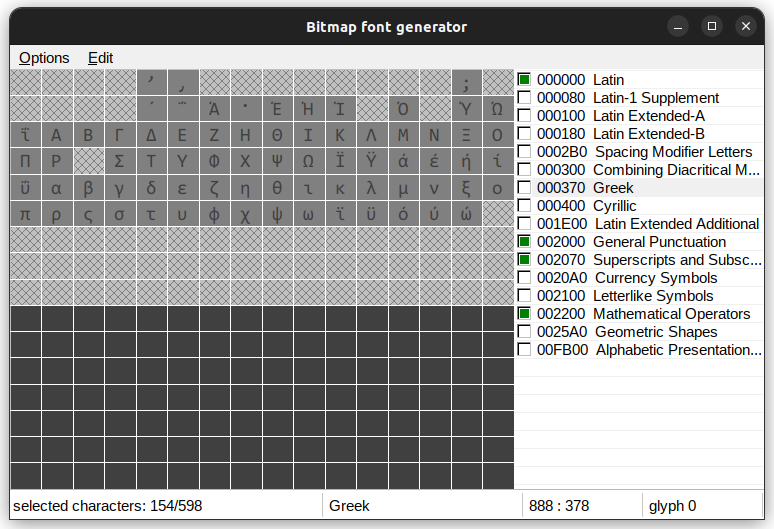
bmfont64
So, I just mindlessly selected characters that I need and hit the export button. Upon doing that, I got a .fnt file and a .tga file, and I didn't know what that was. Turns out, the .fnt file described the characters and its location and size in the image file it provided. The .tga file was.. some kind of bitmap file but with different file structure. Still I don't know what that is, and I don't want to figure out because it's unnecessary.
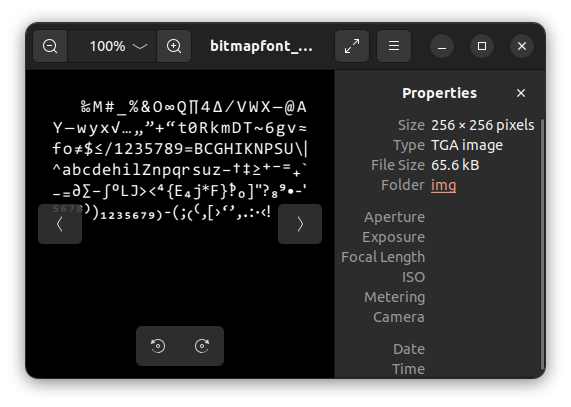
.tga but I think it's just a .bmp file but better??
Now what I had to do is converting these image files and font file to c-code that contains some bitmap data about font. It's just a simple task of reading file and parsing the locations of the character and converting image to the binary code. My first instinct was using C++ to make a program, but I figured out that would be very very laboursome and unnecessarily hard. For simple and unworthy problem like this, using python is the
best way to do so.- Somehow parse the .fnt file and get all the necessary information.
- Get all bitmap font data from .tga file from the acquired information
- Convert the bitmap font character into rgb pixel or other kind of pixel data.
- Convert that pixel data into c-code
- Use the data to print "Hello world" in graphic interface.
- Make a new debug interface out of it
First I just tried to figure out how the .fnt file was structured. Thankfully, the structure was very simple.
info face="Consolas" size=20 bold=0 italic=0 charset="" unicode=1 stretchH=100 smooth=1 aa=1 padding=0,0,0,0 spacing=1,1 outline=0
There's some kind of operator that describes what the information's about, and there's the equality form of informations. I thought of making a function that converts the code into python list and dictionary like this:
['info' , {'face':'Consolas' , 'size':20 , ...}]
Some rudimentary code would do the trick...
def parse_one_line(string):
    spaced_lst = string.split() # split by space
    line_info = [spaced_lst[0] , {}] # line_info[0] : type of data (I guess?)
    for i in range(1 , len(spaced_lst)): # the dictionary is the actual data
        tmp = spaced_lst[i].split('=')
        data = process_data(tmp[1])
        line_info[1][tmp[0]] = data

    return line_info
Basically, it splits the code by space and parses the equality syntax into the python dictionary structure. But... I don't want the data to be like this. And since we need bulk of informations(we're parsing one file, not one line..) organized and easily accessible, I'm going to have to convert these into dictionary,, again.
    {'info':{ ... } , # If there's only one
     'char':[ { ...} , { ...} , ] , # If there's multiple of same type
     ...}
This structure allows very intuitive and simple method for searching and viewing items from the data. This is why I use python for these kinds of stuff.. haha. Here's the code that converts the data into that format...
f = open('bitmapfont_consolas_20px.fnt' , 'r')
full_info = {}
while 1 == 1:
    line = f.readline()
    if not line: break
    line_info = parse_one_line(line) # Parse the line
    # line_info format :
    # ['the type? of the data' , {variables dictionary..}]

    # We change that data into a dictionary "full_info"
    if line_info[0] in full_info:
        if type(full_info[line_info[0]]) is not list:
            full_info[line_info[0]] = [full_info[line_info[0]]]
        full_info[line_info[0]].append(line_info[1])
    else:
        full_info[line_info[0]] = line_info[1]
Basically, it reads the file line by line and automatically converts the line into a dictionary.
Now that we have all the data about the font's location and character in the image, we need to read the image to actually get the bitmap data. We just simply acquire the information about what image file it requires.
page id=0 file="bitmapfont_consolas_20px_0.tga"
(We have that on our data, thankfully.) I used PIL library in python to read the pixel data of image. (I'm starting to like python.. haha)
Thanks to PIL library, parsing the image from full image was extremely easy. I just used crop() function base on the information we previously acquired. I saved images of each characters into image files, and voilà!
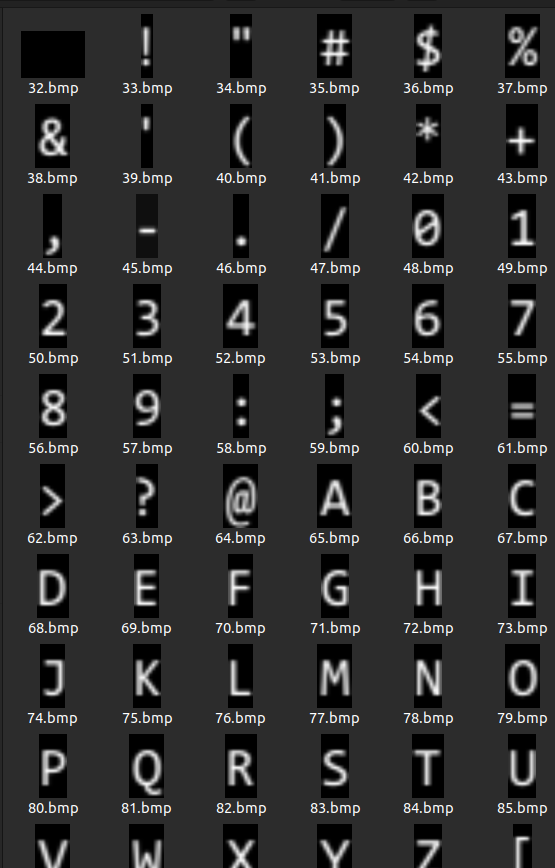
yay I parsed!
The code is simple..
bmp_img = Image.open(full_info['page']['file'])
for char_info in full_info['char']:
    u_id = char_info['id']
    x = char_info['x']
    y = char_info['y']
    width = char_info['width']
    height = char_info['height']
    cropped = bmp_img.crop((x , y , x+width , y+height))
    cropped.save('parsedimgs/'+str(u_id)+'.bmp')
Now what I gotta do is.. just convert the output bitmap files into the pixel data and c code. It's not that hard. Just a simple conversion from image to bitmap. I used numpy for the conversion of image to 2d array. Here's the full code anyways. I don't plan on uploading this on github or something.. so I'll just upload here..
fnt_to_c.py
bitmapfont_consolas_20px.fnt
bitmapfont_consolas_20px.0.tga
And the result is...
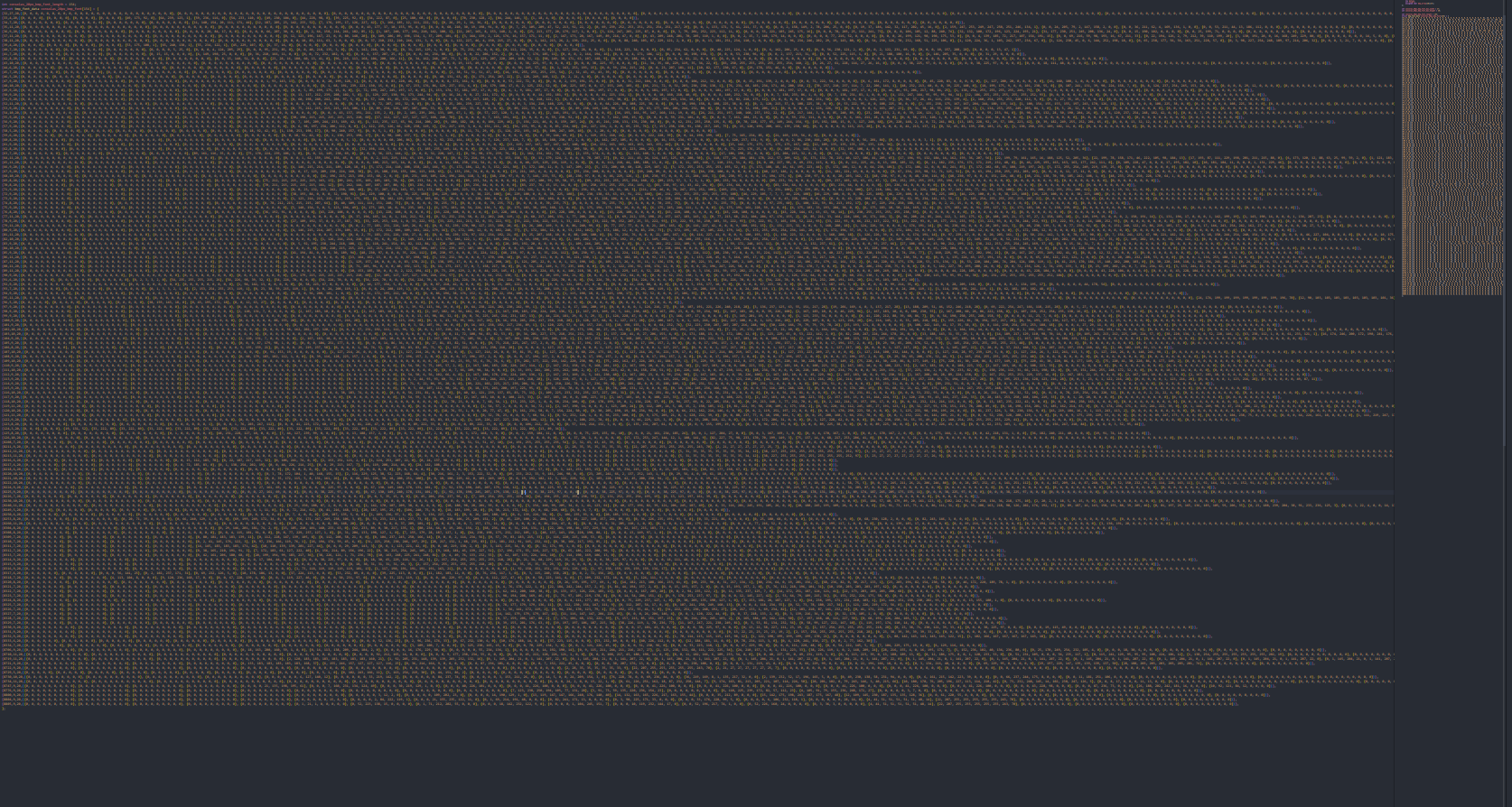
monstrosity
....this ginormous font data! Now what we have to do is just print the data to the screen.
The data consists of 1-byte unsigned char data describing the brightness of the pixel. Since I'm kinda stupid and don't know how to change color's brightness, I just fixed the value of rgb to the brightness..
...
int value = consolas_20px_bmp_font[i].bmp_array[h][w];
draw_pixel(x+w , y+h , (value << 16)|(value << 8)|value);
...
And finally...
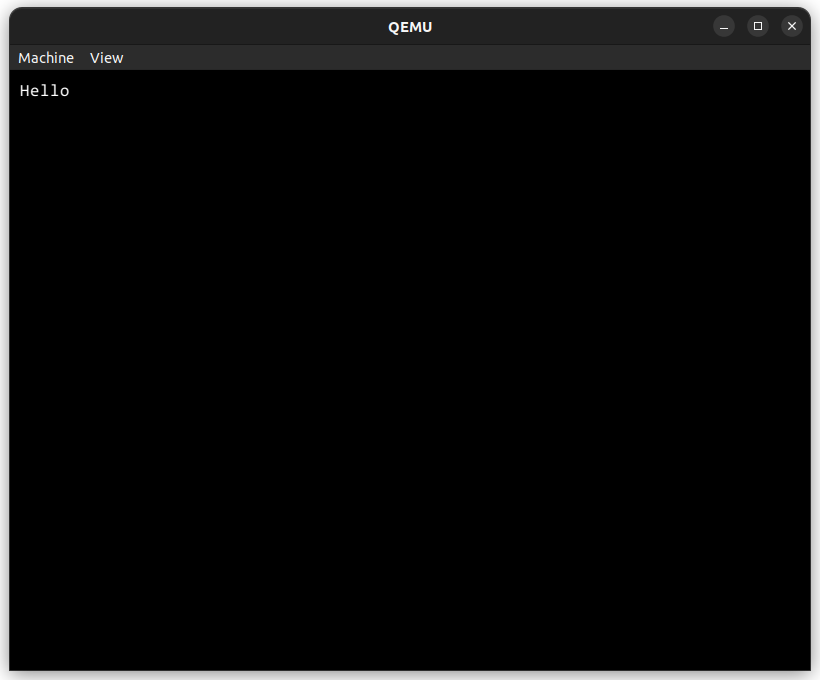
FINALLY1!!!