Today I was figuring out the methods of detecting the piano from the image.
Since I was a complete newbie on opencv, I just basically tried anything that looked cool.
Gaussian Filter
It's basically a blurring filter that does a "convolution operation" to the image. A filter(matrix) is made from the gauss function(the normal distribution), and the filter is then "convoluted" to the image(another matrix).

Source : https://medium.com/jun94-devpblog/cv-2-gaussian-and-median-filter-separable-2d-filter-2d11ee022c66
So I tried to actually implemented this for fun, but I realized that it is kinda waste of time(because opencv already provided the gaussian filter.)
Enough larking around, I need to find the location of the piano from the image!
Contour Detection
First I found out that you can trace the contours from the image using threshold() function and findContours() function. You just need to gray-scale the image, binarize the image with "threshold()" function, and finally insert the image into findContour() function. threshold() function converts the gray-scaled image to binary image by the designated threshold value. If a pixel value exceeds the threshold, the value is set to one. Similarly, if a pixel value does not exceed the threshold, the value is set to zero. You can change the value designated to the binary image by different options. (Check this amazing wiki because my words are all jumbled up.)
Now if I apply the thresholding to the image, the image becomes binarized. If we use an algorithm called "Otsu's Algorithm," the algorithm automatically finds the thresholding value based on the historgram of the pixels.(World's full of wonders!)
Now my initial thought was finding the objects parsed from the findContour() function and just systematically compare the contours with the characteristic of the piano. For instance, since piano usually have long sides, if we select the longest object from the image, we might get the contour of the piano. Of course, that did not go as planned..
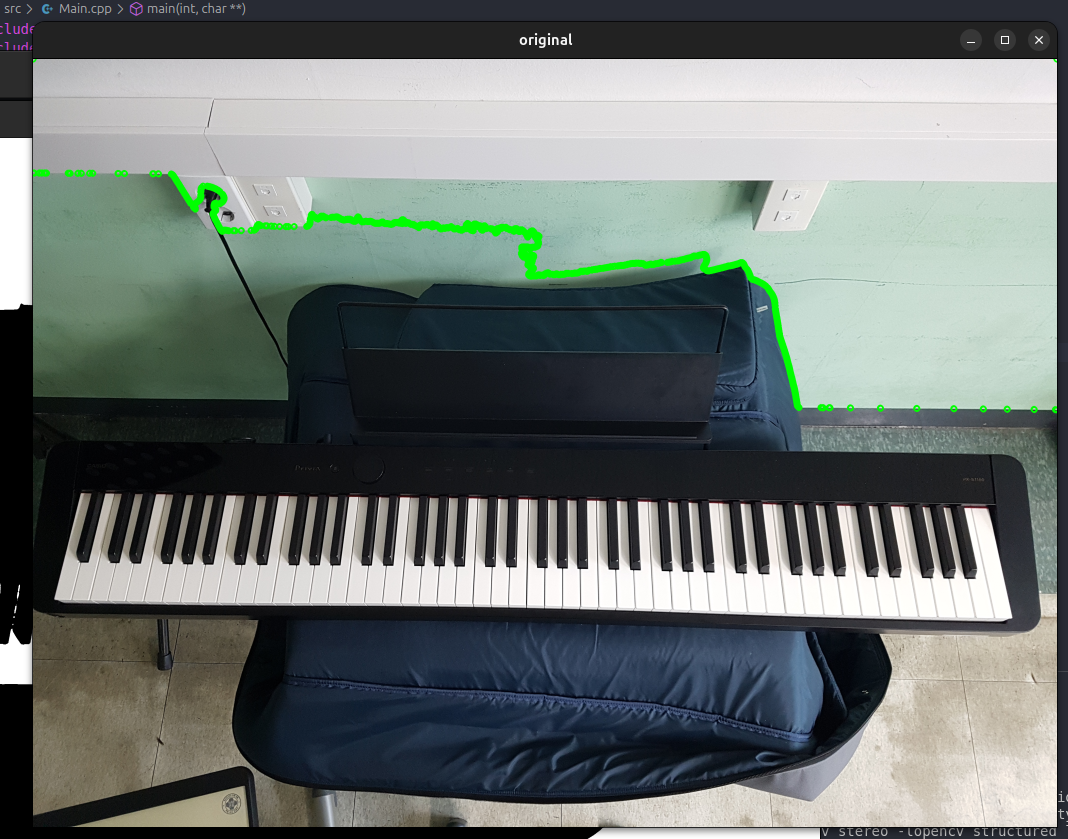
My failed first attempt! at least I got the contours detected..
As you can see on the image, the system detects the wall as the longest contour and thinks it is the piano. This approach will definitely not going to make the recongition accurate.
As I was scouring the internet for the informations, I found the exact thing that I have been looking for: the feature detection.
Feature Detection
Feature detection just blowed my mind. Basically, you detect all the features in the images using the algorithm and just compare the features with other images to detect what features matche or not. You can just detect the objects without any artificial intelligence!
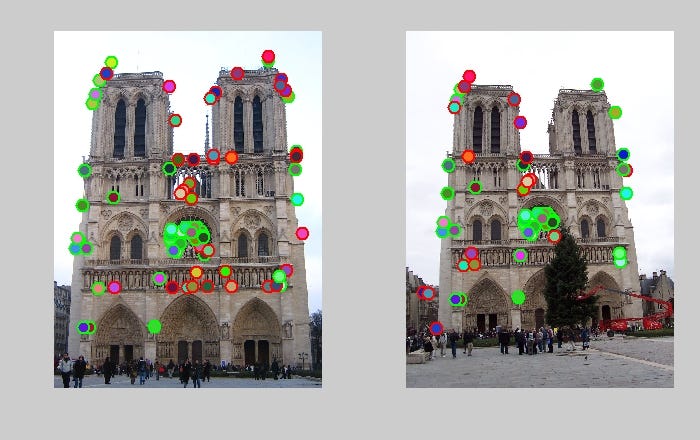
Source : https://medium.com/analytics-vidhya/computer-vision-feature-detection-and-matching-c2aa728d9e59
There are few algorithms for the feature detection(As I am not an expert on these topics, I will just briefly write about these algorithms..): SIFT(Speeded Up Robust Features), SURF(Scale-Invariant Feature Transformation), and ORB(Oriented and Rotated BRIEF). From what I know, SURF is an improved version of SIFT that is more faster, and ORB is also an improved version that is a combination of FAST(Features from Accelerated Segment Test) and BRIEF(Binary Robust Independent Elementary Features). Basically it's an algorithm that was made from only good parts from two algorithms.
I used ORB, as it considers the rotation of the object. My plan for getting the area of the piano was to detect the contours and find the contour that contains the matching points the most. I just simply made this :
bool PianoRecognition::recognize_piano(Mat img , std::vector&contour) {
    ...
    /* Find the matching points using the ORB algorithm */

    // filter the image to find the contour
    Mat binary_img = PianoRecognition::filter_piano_image(img);
    findContours(binary_img , contours , RETR_LIST , CHAIN_APPROX_SIMPLE);

    // calculate how much matching features is contained in the contour
    int target_contour_index = 0;
    int max_hit = -1;
    Mat img_copy , out;
    img.copyTo(img_copy);
    for(int i = 0; i < contours.size(); i++) {
        std::vectorcont_obj = contours.at(i);

        std::vectorbounding_rect_contour;
        get_bounding_rect_contour(cont_obj , bounding_rect_contour);

        // If the rectangle is too large
        if(boundingRect(cont_obj).area() >= img.size().area()*0.5) continue;

        // check hit count
        int hit = 0;
        for(DMatch m : good_matches) { hit += pointPolygonTest(bounding_rect_contour , keypoints_query[m.queryIdx].pt , false) > 0; }

        if(max_hit < hit) {
            target_contour_index = i;
            max_hit = hit;
        }

        std::vector>cl = {bounding_rect_contour};
        drawContours(img_copy , cl , 0 , Scalar::all(0xff) , 2);
    }
    ...
}
The filter_piano_image() function kntentionally blurrs and binarizes the image for the contour detection. Because piano has lots of keys, without blurring the image, the contour detection will think that all the keys are individual contours. So, to prevent that from happening, we blur the image to remove the details. (For blurring algorithm, I simply used median blurr.)
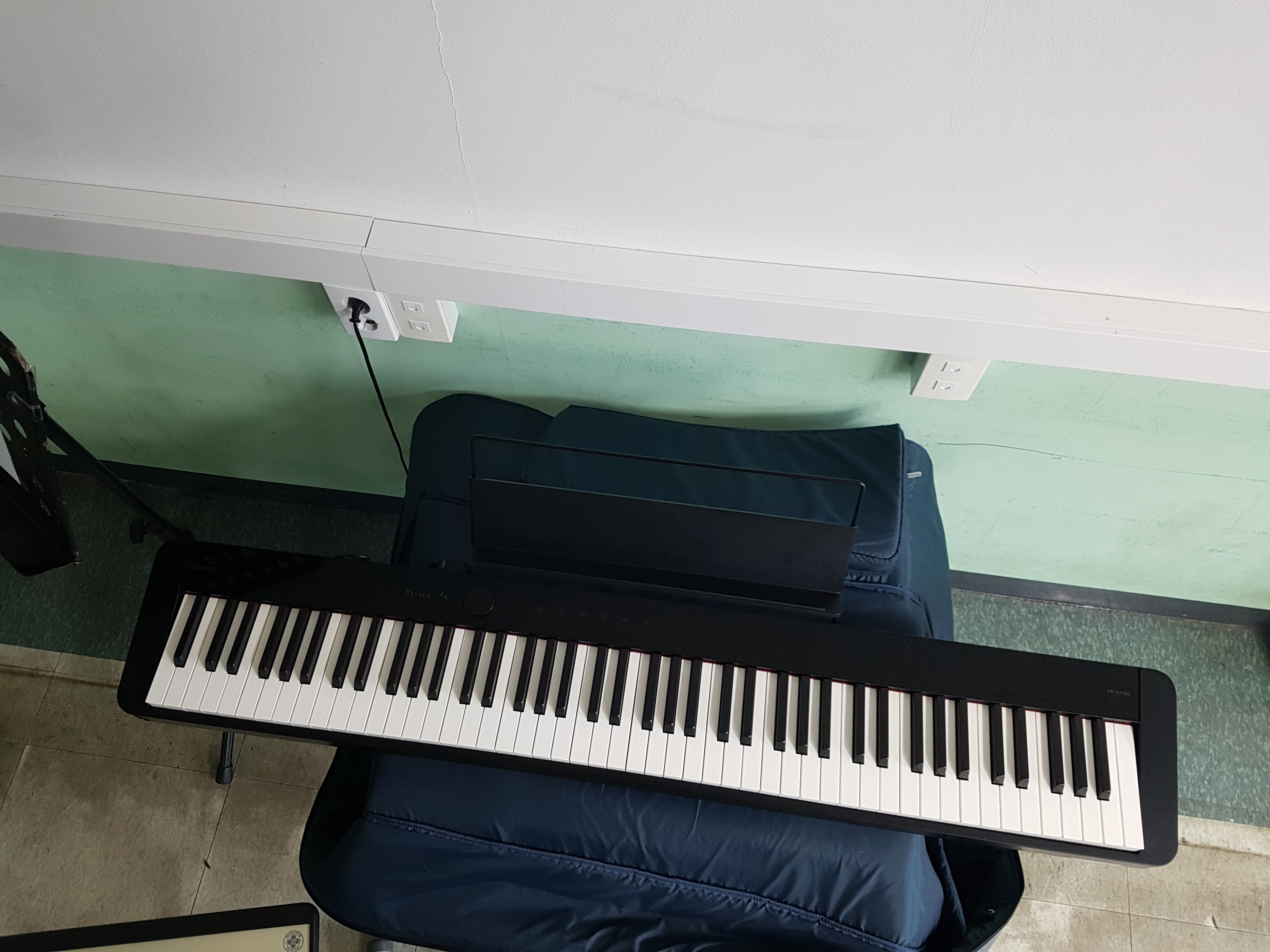
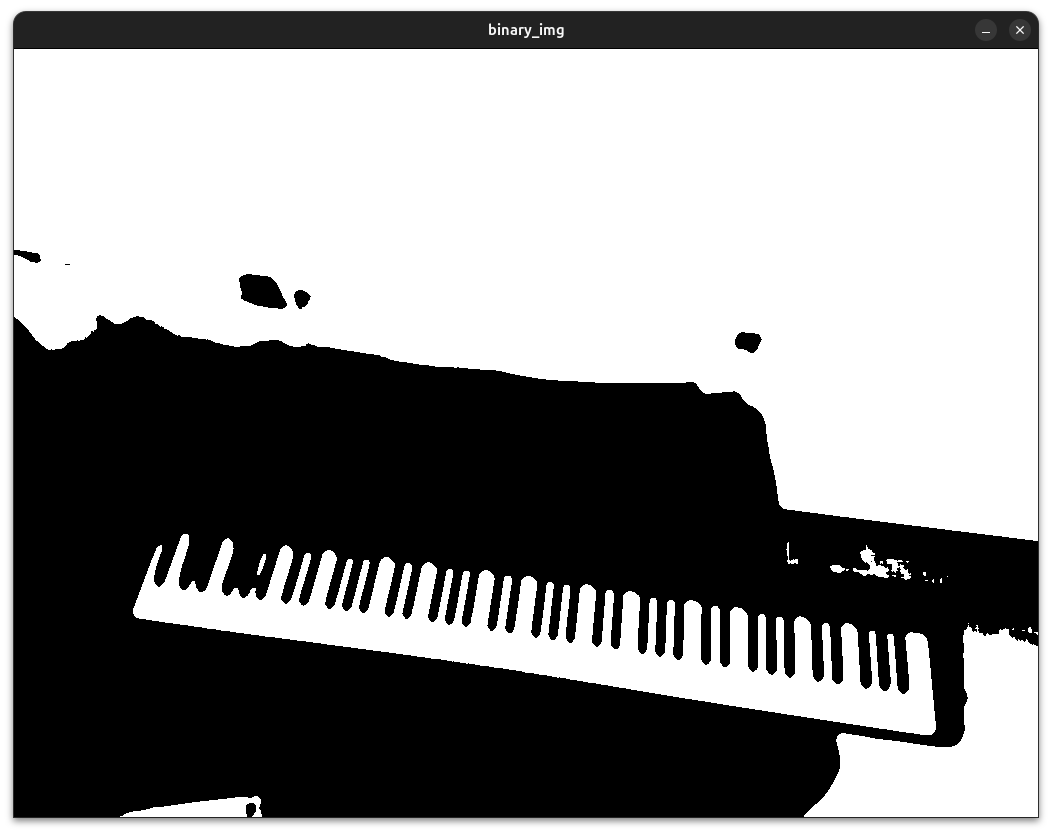
Now we can detect the entirety of the piano! Now we just simply create the bounding box of each contours, check what bounding box contains the most matching features, and finally use the contour that contains the most!
Also, to make the image clean, we create a mask from the bounding rectangle created by using minAreaRect() function(that returns the rotated rectangle that bounds the contour with minimum area) and use it on the image to remove unnecessary features.
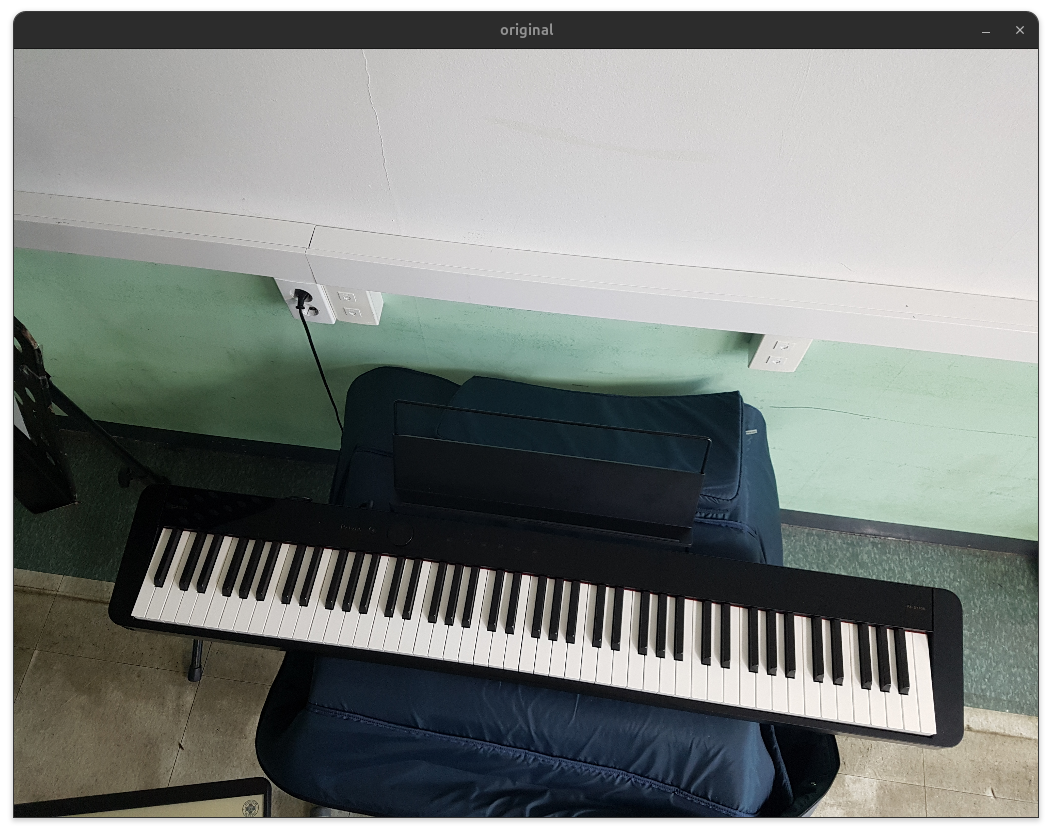
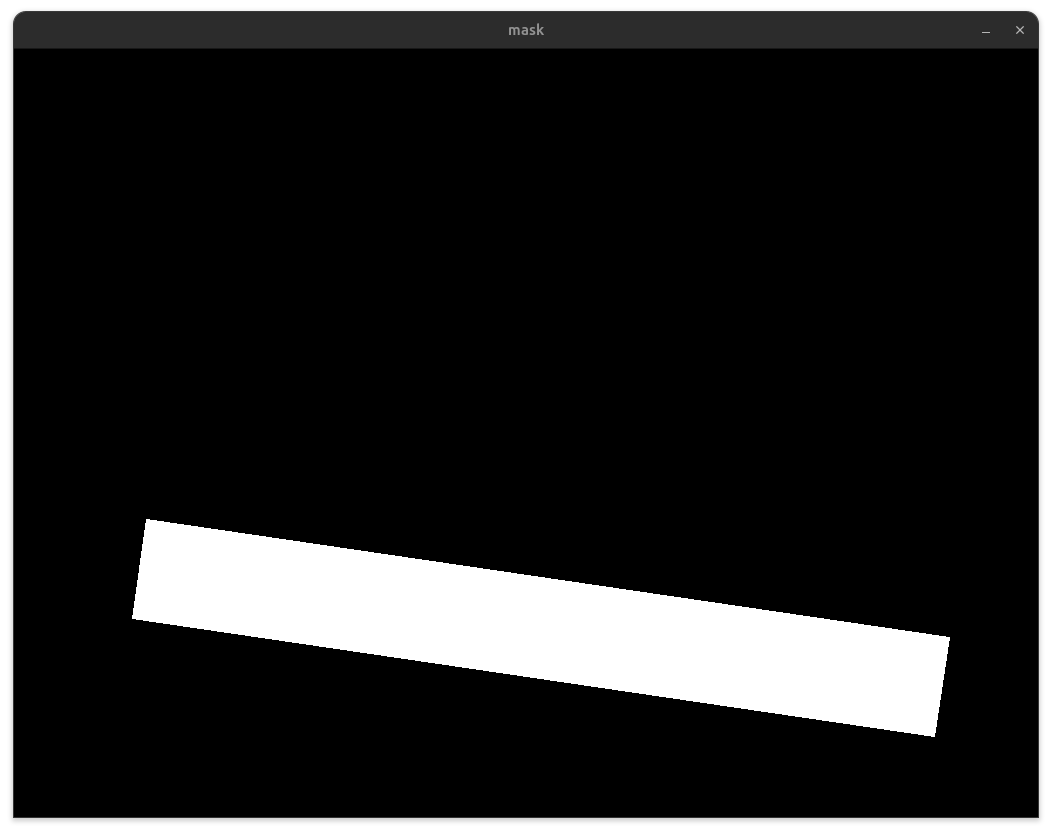
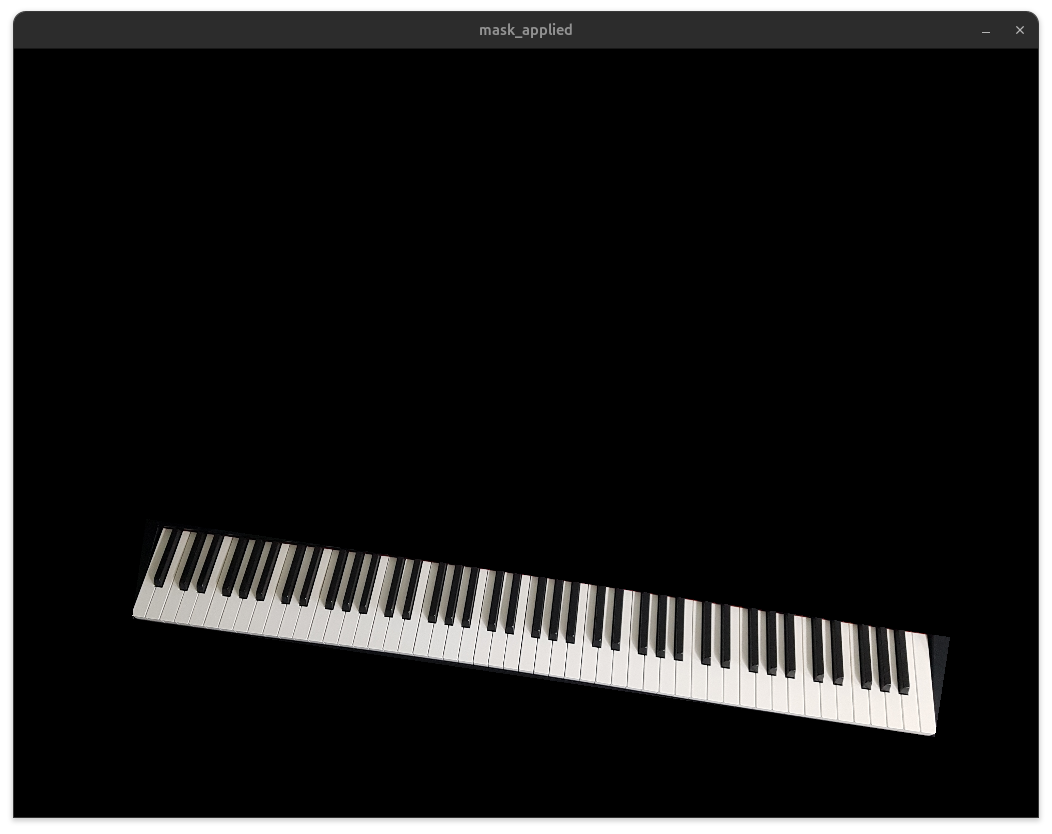
Now we just truncate the image to have only the piano area :
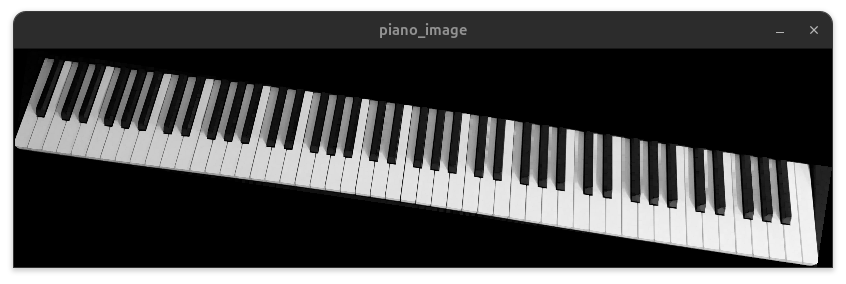
Now what we need to do is detecting the keyboards..! So many thing to do in this much of time..